Home / Modular Laptop / Comparison
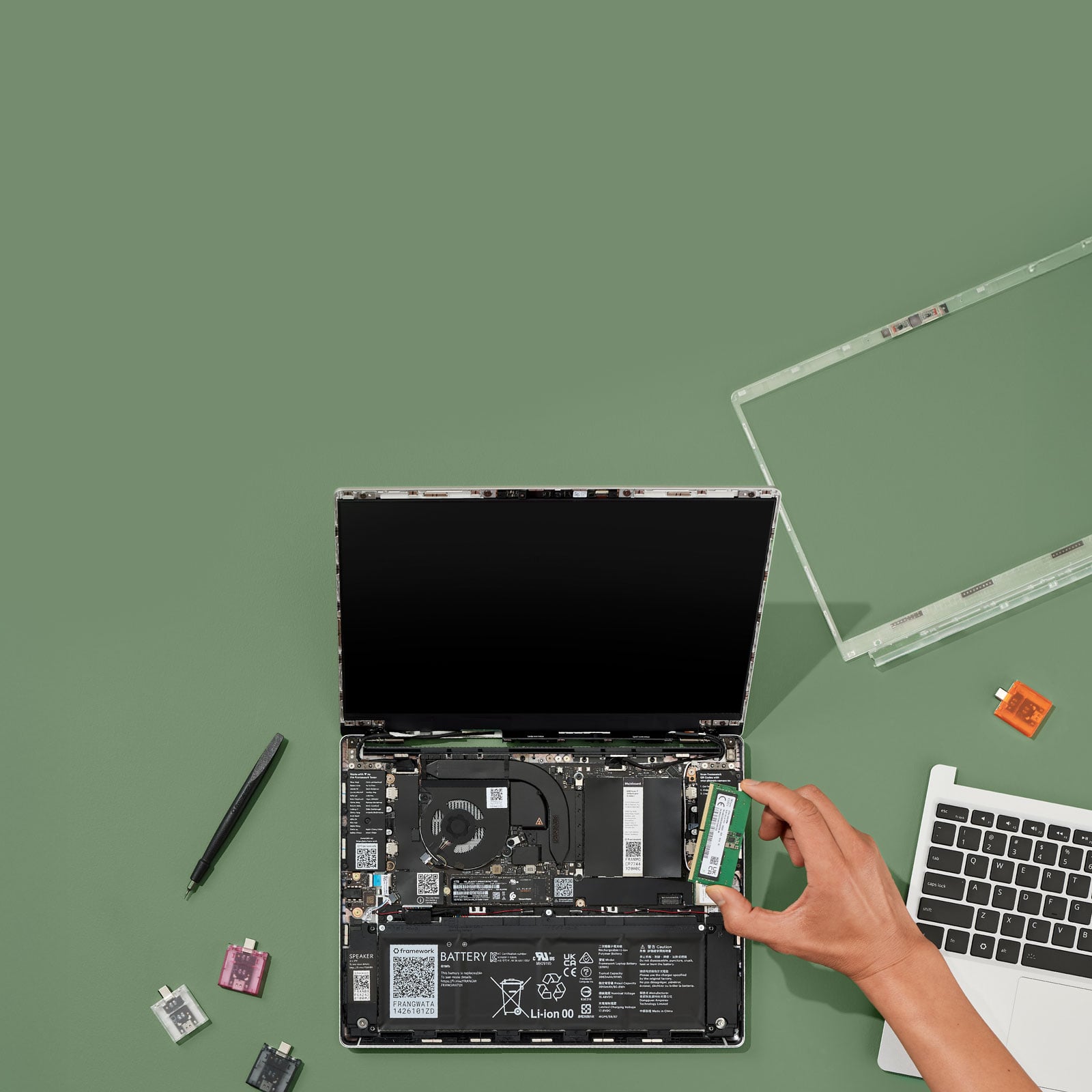
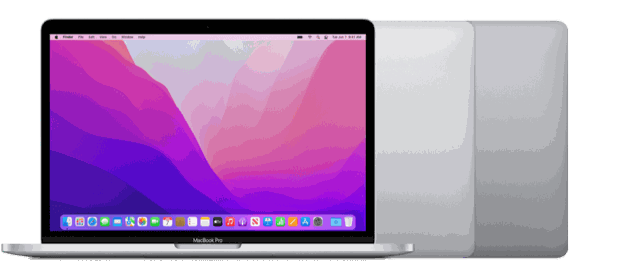
Framework Laptop 13 (DIY Edition) vs Apple MacBook Pro 13-inch (M2)
Framework Laptop 13 (DIY Edition) ($899) vs Apple MacBook Pro 13-inch (M2) ($650) — side-by-side specs, weight, pros and cons to help you pick the right modular laptop.
Spec-by-spec
| Spec | Framework Laptop 13 (DIY Edition) | Apple MacBook Pro 13-inch (M2) |
|---|---|---|
| Price | $899 | $650 |
| Weight | 1300g | 1400g |
| Chip | AMD Ryzen AI 300 series, up to 12 cores | M2 |
| Display | 13.5" 3:2, 2.2K or 2.8K matte | 13.3" Retina |
| Ports | 4 swappable Expansion Cards | 2x Thunderbolt, headphone |
| Repairability | Every part replaceable, guides published | — |
| Thickness | 15.85 mm | — |
| Weight | Under 1.3 kg (Framework's published figure — no exact number given) | 1400g (Apple published) |
| Cooling | — | Active fan |
| Extras | — | Touch Bar, Touch ID |
Pros & Cons
Framework Laptop 13 (DIY Edition)
- Genuinely repairable, with real parts availability
- Choose your own port layout
- Mainboard upgradeable across CPU generations
- 3:2 matte screen is better for work than 16:9
- Excellent Linux support
- DIY ships unassembled with no OS
- Battery life and trackpad trail a MacBook Air
- Framework publishes only "under 1.3 kg", not an exact weight
- Fan is audible where the Air has none
Apple MacBook Pro 13-inch (M2)
- Active cooling, so it sustains load better than an M2 Air
- Very long battery life
- The only way to get a Touch Bar if you liked it
- Heavier than an M2 Air at 1400g
- Thick bezels and an old design
- No MagSafe, only two ports
- 13.3-inch display is smaller than a 13.6-inch Air
Apple MacBook Pro 13-inch (M2) is the better value at $650. If weight matters most, Framework Laptop 13 (DIY Edition) carries lighter at 1300g. Both are part of our curated modular laptop index — tap through to check current pricing.
More Modular Laptop comparisons
Apple MacBook Air 13-inch (M5) vs Apple MacBook Air 15-inch (M5)Apple MacBook Air 13-inch (M5) vs Apple MacBook Pro 14-inch (M5)Apple MacBook Air 13-inch (M5) vs Apple MacBook Pro 16-inch (M5 Pro)Apple MacBook Air 13-inch (M5) vs Apple MacBook Air 13-inch (M2)Apple MacBook Air 13-inch (M5) vs Apple MacBook Air 13-inch (M3)Apple MacBook Air 13-inch (M5) vs Apple MacBook Air 15-inch (M3)